Google Classroom vs LMS Feasibility Checker
Answer a few questions to see if Google Classroom meets your needs or if you should consider a full LMS.
Your Needs
Select all features you require for your teaching environment:
Is Google Classroom a learning management system? The answer isn’t yes or no-it’s more like "sort of, but not really." If you’ve ever used Google Classroom to assign homework, grade papers, or send announcements to students, it sure feels like an LMS. But if you dig a little deeper, you’ll find it’s missing some key pieces that define a true learning management system.
What Exactly Is an LMS?
A learning management system, or LMS, is software built to deliver, track, and manage education content. Think of it as the central hub for online learning. A full-featured LMS handles things like:
- Course creation with structured modules
- Quizzes and automated grading
- Progress tracking for each student
- Integration with external tools like video platforms or digital textbooks
- Reporting dashboards for teachers and admins
- Student certification and completion records
Platforms like Moodle, Canvas, Blackboard, and Schoology are classic examples. They’re designed from the ground up to support entire online courses-sometimes for thousands of students at once.
What Google Classroom Actually Does
Google Classroom is simpler. It’s not meant to be a full course builder. Instead, it acts like a digital organizer for teachers. It connects with Google Drive, Docs, Sheets, and Meet to make assigning and collecting work easy. Here’s what it does well:
- Creates digital class spaces with a single click
- Posts announcements and due dates
- Distributes assignments as Google Docs or links
- Collects student submissions automatically
- Grades with a simple point system
- Sends email reminders to students and parents
It doesn’t let you build a full course with videos, interactive lessons, or branching paths. You can’t create a quiz with multiple question types unless you link to Google Forms. There’s no built-in gradebook with weighted categories. No progress bars. No certificates. No analytics beyond basic completion stats.
Why People Think It’s an LMS
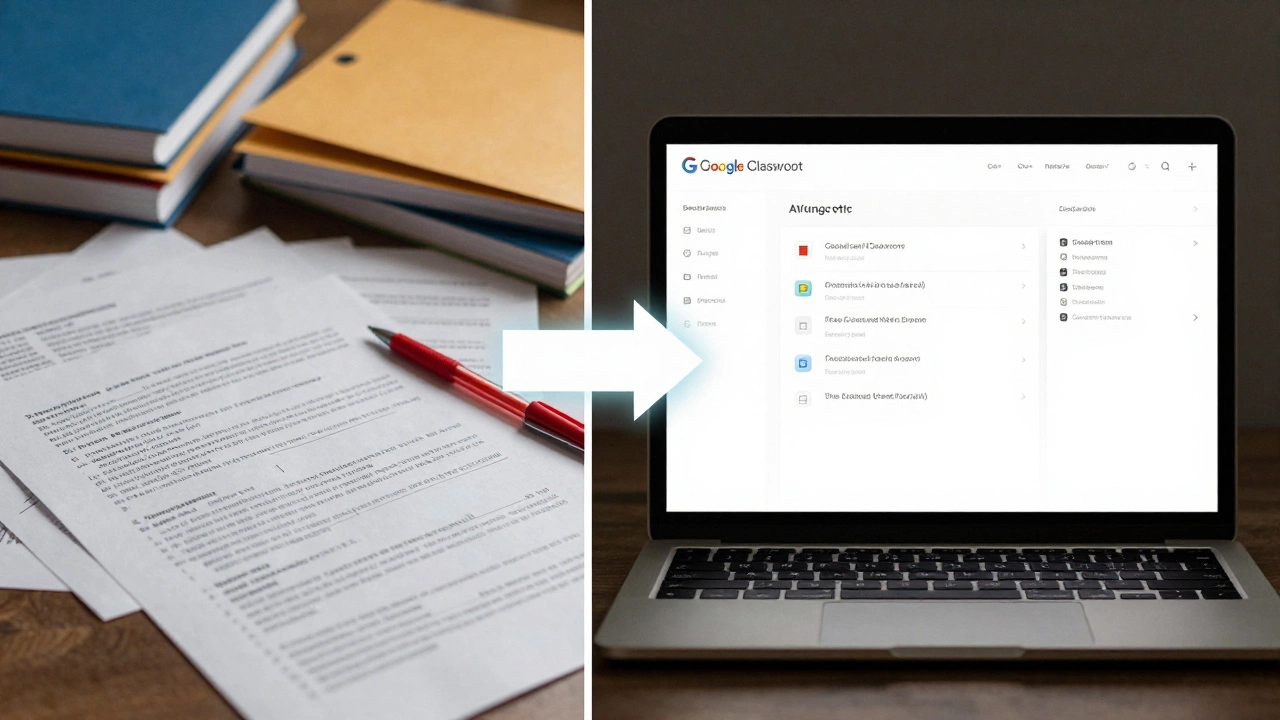
Many schools and teachers call Google Classroom an LMS because it solves the biggest pain point: managing paperless assignments. Before Classroom, teachers spent hours printing, collecting, and organizing worksheets. Now, everything lives in one place. Students submit work online. Teachers grade it quickly. Parents get updates.
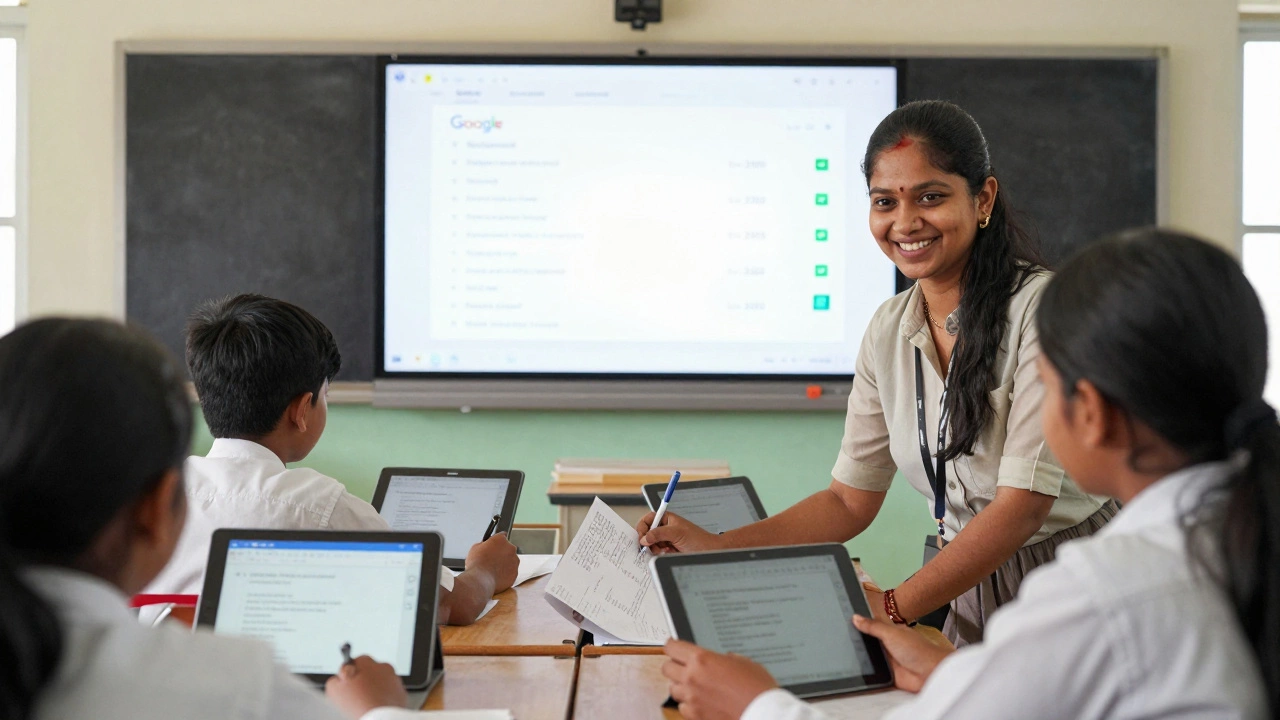
That simplicity is powerful. In India, where many schools don’t have budgets for expensive platforms, Google Classroom became the go-to tool. It’s free, works on low-end devices, and doesn’t require training. A teacher in Chennai can set up a class in under five minutes. That’s why it feels like an LMS-even if it isn’t one by technical definition.
Where Google Classroom Falls Short
If you’re running a full online course-say, a certification program or a high school AP class with 50+ students-you’ll hit limits fast.
For example:
- You can’t create prerequisites. A student can’t finish Module 1 before unlocking Module 2.
- There’s no way to track time spent on tasks.
- Parent portals are basic-no detailed progress reports.
- No integration with external LTI tools like Kahoot!, Nearpod, or Quizlet.
- Exporting data for district reporting? Not easy.
Teachers who use Google Classroom for more than basic assignments often end up juggling three or four other tools: Google Forms for quizzes, Padlet for discussions, YouTube for videos, and a spreadsheet to track grades. That’s not an LMS. That’s a patchwork.
Google Classroom vs. Real LMS Platforms
Here’s how it stacks up:
| Feature | Google Classroom | Canvas / Moodle |
|---|---|---|
| Course structure builder | No | Yes |
| Automated grading for quizzes | Only via Google Forms | Yes, native |
| Student progress tracking | Basic completion status | Detailed analytics, heatmaps |
| Integration with third-party tools | Limited | Full LTI support |
| Customizable grading scales | Points only | Letter grades, weights, categories |
| Certificates or badges | No | Yes |
| Mobile app quality | Good | Very good |
Google Classroom is like a digital notebook. Canvas is like a digital classroom with labs, libraries, and a teacher’s desk.
Who Should Use Google Classroom?
If you’re a teacher in a school with limited tech support, Google Classroom is perfect. It’s ideal for:
- Primary and middle school teachers managing daily assignments
- Coaches or tutors running small group sessions
- Schools using Google Workspace for Education
- Anyone who needs to cut down on paper and emails
It’s not built for:
- Online universities or bootcamps
- Large-scale blended learning programs
- Programs needing compliance tracking or accreditation
- Teachers who want to build rich, interactive lessons
What’s the Real Takeaway?
Google Classroom isn’t a full LMS. But it doesn’t need to be. It’s a lightweight tool that does one thing brilliantly: makes assigning and collecting work easy. For millions of teachers around the world, that’s enough.
The confusion comes from expecting it to do more than it was designed for. If your school needs deeper analytics, certifications, or course-building tools, you’ll need something else. But if you just want to stop printing worksheets and start grading on your phone? Google Classroom delivers.
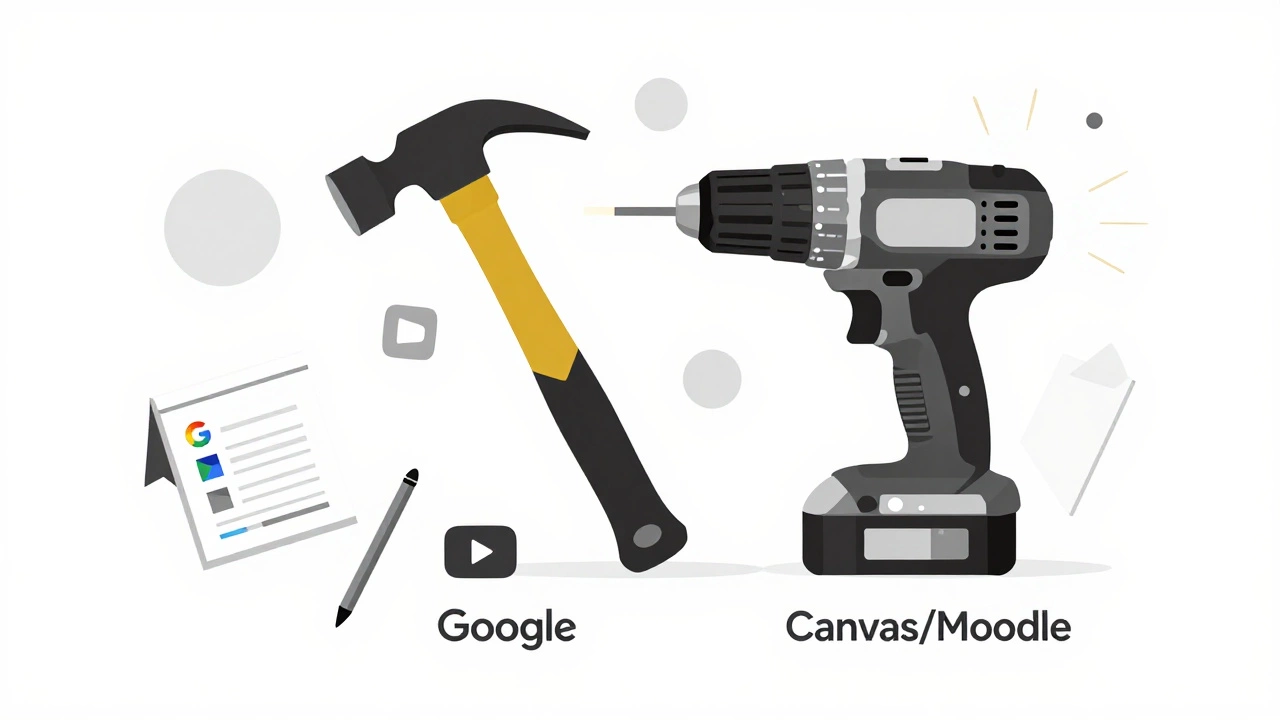
Think of it this way: a hammer isn’t a power drill. But if you’re hanging a picture, you don’t need a drill. Google Classroom is the hammer of digital teaching.
Frequently Asked Questions
Is Google Classroom free?
Yes, Google Classroom is free for schools using Google Workspace for Education. There’s also a free version for individuals, though it has limited features and no admin controls. Paid tiers like Google Workspace for Education Plus add more security and reporting tools.
Can Google Classroom replace a traditional LMS like Canvas?
For basic classroom management-assigning, collecting, grading-yes, many schools use it as a replacement. But for advanced features like automated quizzes, progress tracking, certificates, or integrations with external tools, Canvas or Moodle are far more capable. Google Classroom works best as a supplement, not a full substitute.
Does Google Classroom track student engagement?
Not really. It shows whether an assignment was turned in or late, but it doesn’t track how long a student spent on a task, how many times they opened a file, or if they watched a video. For that, you need a real LMS with analytics dashboards.
Can parents use Google Classroom?
Yes, but only if the school enables parent access. Parents get summary emails about missing assignments and upcoming due dates. They can’t see grades, comments, or class materials unless the teacher shares them. It’s designed to be simple, not intrusive.
Is Google Classroom secure for students?
For K-12 schools using Google Workspace for Education, yes. Google complies with COPPA and FERPA, and student data isn’t used for advertising. However, if a teacher links to external sites like YouTube or Padlet, those third-party tools may have different privacy policies. Always check what you’re linking to.
What’s the best alternative to Google Classroom?
For schools wanting more power than Classroom offers, Canvas is the top choice-it’s free for educators, easy to use, and packed with features. Moodle is free and open-source but harder to set up. Schoology is great for K-12 with strong parent features. For India’s public schools, Google Classroom still wins on simplicity and accessibility.